If you're deciding between Jboard and Job Boardly, here's what you need to know:
- Jboard is a no-code platform designed for businesses seeking advanced automation, job aggregation, and monetization tools. It’s best for staffing agencies or enterprises needing features like job scrapers, SEO tools, and scalable plans. Pricing starts at $149/month.
- Job Boardly is a more affordable option at $40/month, offering unlimited job postings and pay-per-use automation. It’s ideal for startups or solopreneurs with smaller budgets.
Quick Comparison
| Feature | Jboard | Job Boardly |
|---|---|---|
| Starting Price | $149/month | $40/month |
| Job Postings | Limited by plan (1,000+ jobs) | Unlimited |
| Automation | Advanced (up to 30 job sources) | Pay-per-use |
| SEO Tools | Included | Included |
| Best For | Established businesses, staffing agencies | Budget-conscious startups, solopreneurs |
Bottom Line: Choose Jboard if you need advanced features and scalability. Opt for Job Boardly if affordability and unlimited postings are your priority.
Jboard Review 2025
1. Jboard
Jboard provides a no-code platform designed for entrepreneurs who want to launch professional job boards without needing technical skills. It's particularly popular among staffing professionals, who make up 24% of its user base. The platform has gained attention for its automation features and ease of use.
Features and Customization
Jboard simplifies job board management with its aggregation and backfilling tools, which automatically pull job listings from URLs and ATS systems. Users can supply URLs from other job boards, career pages, or ATS platforms, and Jboard’s web scraping technology handles the rest, populating jobs without requiring manual input.
The platform also auto-generates landing pages optimized for long-tail keywords and integrates seamlessly with Google Jobs, boosting visibility in search results. This feature allows job boards to rank for niche queries and drive targeted traffic, all without the hassle of creating multiple landing pages by hand.
That said, customization comes with some limitations. While Jboard offers basic branding options and a website builder, its layout choices are more restricted compared to fully custom-built solutions. This trade-off prioritizes simplicity and speed of setup over extensive design flexibility.
Beyond these features, Jboard also provides tools to help users generate revenue effectively.
Monetization Options
Jboard supports various revenue models through its built-in Stripe integration. Employers can set up company profiles and manage job postings via a dedicated dashboard, while job seekers can create professional profiles to attract potential employers. Monetization options include charging for job postings, offering subscription plans, and creating bundled packages. Higher-tier plans unlock advanced features like XML feed importers and additional automation tools for more sophisticated content management.
These monetization options are structured within Jboard’s tiered pricing plans, which aim to balance functionality and cost.
Pricing and Value
Jboard offers four pricing tiers, with a 20% discount available for annual payments:
- Basic Plan: $149/month ($119/month annually, saving $360/year). Includes a website builder, custom domain, SEO tools, 3 job scrapers, and support for up to 1,000 jobs.
- Standard Plan: $249/month ($199/month annually, saving $600/year). Adds job seeker profiles, resume application functionality, 10 job scrapers, and support for up to 3,000 jobs.
- Advanced Plan: $449/month ($359/month annually, saving $1,080/year). Features advanced automation, faster Google Jobs indexing, 30 job scrapers, and support for up to 10,000 jobs.
- Plus Plan: Custom pricing. Includes API access, employer sub-accounts, and dedicated account management.
Jboard receives high marks for value, with users rating it 4.8 out of 5 for cost-effectiveness. However, some note that the pricing may be challenging for solopreneurs or startups with tight budgets.
User Experience and Support
Jboard shines in user experience, earning a perfect 5.0/5 rating for ease of use from over 100 verified reviews. Users appreciate the platform’s straightforward setup and robust feature set. A free trial with full functionality lets potential customers explore everything Jboard has to offer before committing.
Customer support is another strong point, with users praising the responsive and helpful service during setup and beyond. While Jboard’s automation tools save considerable time by handling job postings and SEO tasks, some users have raised concerns about limited control over partner job placements.
2. Job Boardly
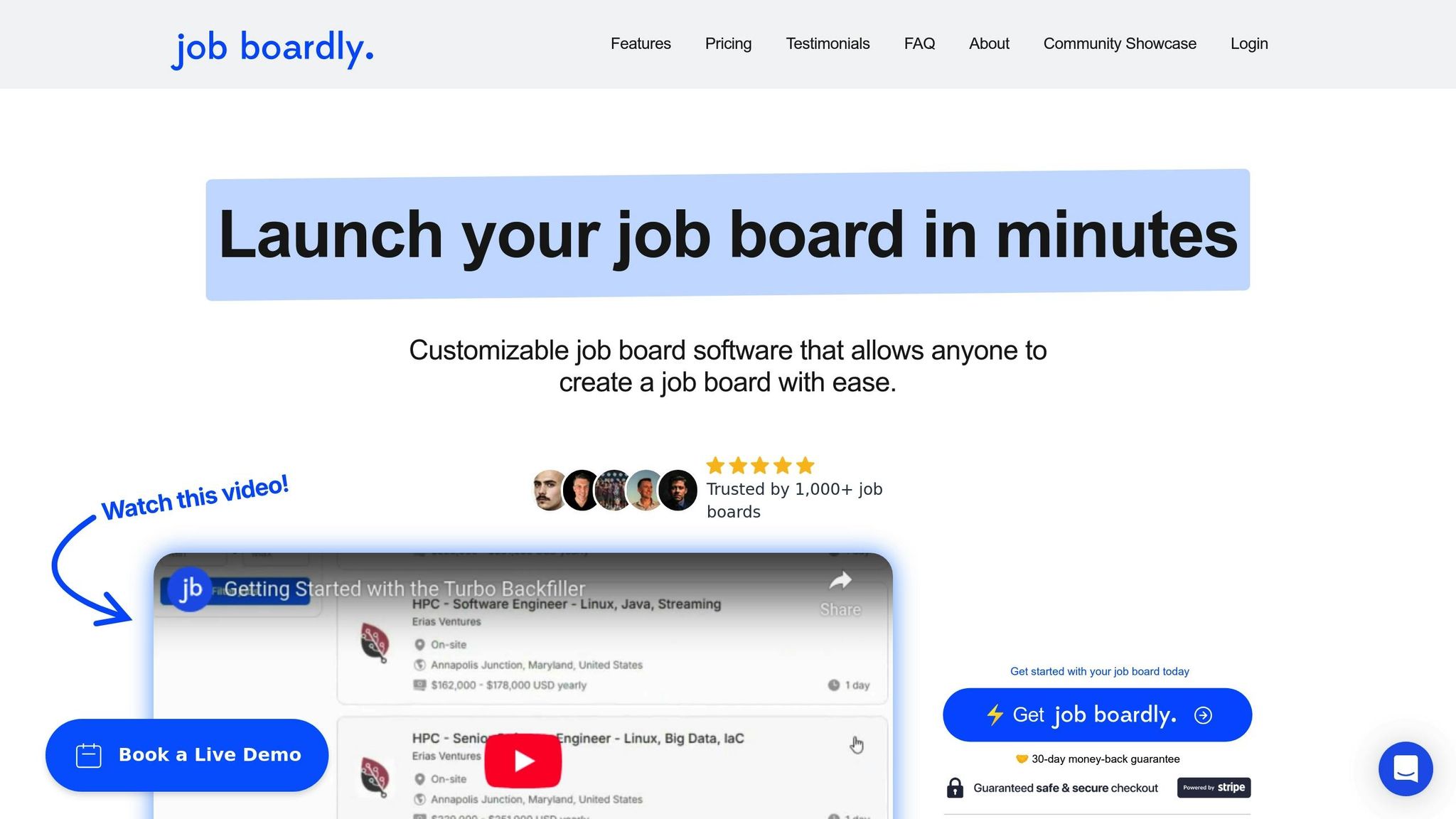
Job Boardly simplifies creating and managing job boards, offering features like unlimited job postings and pay-per-use automation. With its no-code setup, users can have their boards live in just minutes. Here’s a closer look at its features, monetization options, pricing, and user experience.
Features and Customization
Job Boardly stands out with automation tools like Turbo Backfiller and Magic Aggregator, which pull job listings from external sources. These tools operate on a pay-per-use model, costing $0.009 per API credit. Credits are sold in bundles of 1,000 for $9, making it scalable for different needs.
The platform supports unlimited job postings and integrates with Google Jobs to boost search visibility. Built-in SEO tools and multi-language support make it a versatile choice for reaching both local and international audiences.
Customization options include mobile-friendly templates, custom domains, and flexible branding. Users can create custom pages and organize job categories to suit their niche, giving them the tools to build a platform tailored to their audience.
Monetization Options
Job Boardly includes several ways to generate revenue. Its paywall feature allows owners to limit access to premium listings, offering free browsing for a limited selection while requiring a paid subscription for full access. Payments are processed seamlessly through Stripe.
"The paywall feature has been instrumental in monetizing my board effectively, providing a consistent revenue stream without the hassle of managing subscriptions."
– Emrah KURTULMUŞ, Entrepreneur | Growth & Digital Marketing
Employers can also be charged directly for posting jobs, and promotional campaigns can be run using coupon codes. The platform supports RSS feeds and XML imports to keep content fresh, which helps maintain user engagement and boosts revenue. Compared to Jboard’s tiered pricing model, Job Boardly offers a more flexible approach for entrepreneurs.
Pricing and Value
Job Boardly keeps things simple with a single-tier pricing plan: $40 per month or an annual plan for $320 (equivalent to $26.67 per month), saving users 33% annually. A 30-day money-back guarantee provides a risk-free trial period for new users.
User Experience and Support
Setting up a job board with Job Boardly is quick and straightforward, with many users reporting their boards are operational within hours. The platform offers responsive customer support to assist during setup and beyond. Its pay-per-use backfilling system ensures costs remain tied to actual usage, making it a practical choice for businesses of all sizes.
sbb-itb-316a34c
Pros and Cons
Weighing the strengths and weaknesses of each platform is key to choosing the right fit for your needs. Jboard and Job Boardly both bring unique benefits to the table, but they also come with limitations that could influence your job board's performance.
Jboard stands out for its advanced automation features and high user satisfaction ratings. Its job scraper can pull listings from 10 sources under the Standard plan and up to 30 sources with the Advanced plan, streamlining job aggregation without manual effort. However, this level of functionality comes at a cost - the Basic plan starts at $149 per month, which may be a hurdle for solopreneurs or startups working with tight budgets.
On the other hand, Job Boardly takes a more budget-friendly approach. Priced at just $40 per month, it’s nearly four times cheaper than Jboard’s entry-level plan and allows for unlimited job postings. While this makes it an attractive option for entrepreneurs and small businesses, it does fall short in automation capabilities and user reviews. Its job aggregation features, while useful, don’t match the depth of Jboard’s multi-source automation.
Here’s a quick comparison of their key strengths and weaknesses:
| Aspect | Jboard | Job Boardly |
|---|---|---|
| Strengths | Advanced automation (up to 30 sources), SEO tools, 14-day free trial | Affordable pricing ($40/month), unlimited jobs, quick setup |
| Weaknesses | High cost for startups ($149+ monthly), job limits per plan | Limited user reviews, fewer automation sources |
| Best For | Established businesses needing automation | Budget-conscious entrepreneurs and startups |
| User Satisfaction | Strong ratings from an established user base | Limited review data available |
Each platform serves a different audience. Jboard is ideal for businesses that require robust automation and advanced features, while Job Boardly caters to those prioritizing affordability and simplicity.
Conclusion
When deciding between Jboard and Job Boardly, it all comes down to your priorities and resources. Both platforms offer no-code solutions to simplify launching a job board, but they’re tailored to different audiences.
Jboard is an excellent choice for staffing agencies and recruiting professionals. With its advanced monetization tools and features designed to handle high job volumes, it justifies its $149+ monthly price tag for businesses that need powerful automation and scalability.
On the other hand, Job Boardly is a budget-friendly option, ideal for startups and solopreneurs. At just $40 per month with unlimited job postings, it’s a practical solution for those who want affordability without sacrificing functionality.
Each platform’s strengths align with distinct strategies. For startups or individuals with tight budgets, Job Boardly delivers great value with its cost-effective, unlimited job posting model. Meanwhile, if you’re part of a staffing agency or a larger enterprise requiring robust automation, Jboard’s premium features make it worth the investment.
If you’re considering Jboard, take advantage of their 14-day free trial to explore its automation capabilities and see if it fits your needs. This trial can give you a clearer sense of whether its features align with your specific goals.
Ultimately, as the digital landscape evolves, both platforms carve out strong positions in their respective niches. Evaluate your current needs and long-term objectives to choose the solution that best supports your growth.
FAQs
What are the differences between Jboard's pricing plans, and how do they meet various business needs?
Jboard offers four pricing tiers, all with a 20% discount for annual billing. The Basic plan starts at $149/month ($119/month annually) and includes a website builder, custom domain, SEO tools, 3 job scrapers, and support for up to 1,000 jobs. The Standard plan at $249/month adds job seeker profiles, resume applications, and 10 job scrapers for up to 3,000 jobs.
For larger operations, the Advanced plan at $449/month includes 30 job scrapers, faster Google Jobs indexing, and support for up to 10,000 jobs. The Plus plan offers custom pricing with API access, employer sub-accounts, and dedicated account management for enterprise needs.
How do Jboard's automation and job aggregation features make managing job boards easier?
Jboard's automation revolves around its job scraper technology. You supply URLs from other job boards, career pages, or ATS platforms, and Jboard's web scraping tools automatically pull in job listings without manual input. The number of job sources you can scrape depends on your plan — 3 on Basic, 10 on Standard, and up to 30 on Advanced.
The platform also auto-generates SEO-optimized landing pages for long-tail keywords and integrates with Google Jobs, helping your board rank for niche queries and attract targeted traffic automatically.
What customization features does Jboard provide, and how do they enhance the design and functionality of a job board?
Jboard includes a built-in website builder with basic branding options — you can add your logo, adjust brand colors, and connect your own domain. The platform provides layout templates to get started quickly, though design flexibility is more limited compared to fully custom-built solutions.
The trade-off is speed and simplicity: Jboard prioritizes fast setup over deep design control, making it accessible for users who want a professional-looking board without technical expertise.